Which one you want
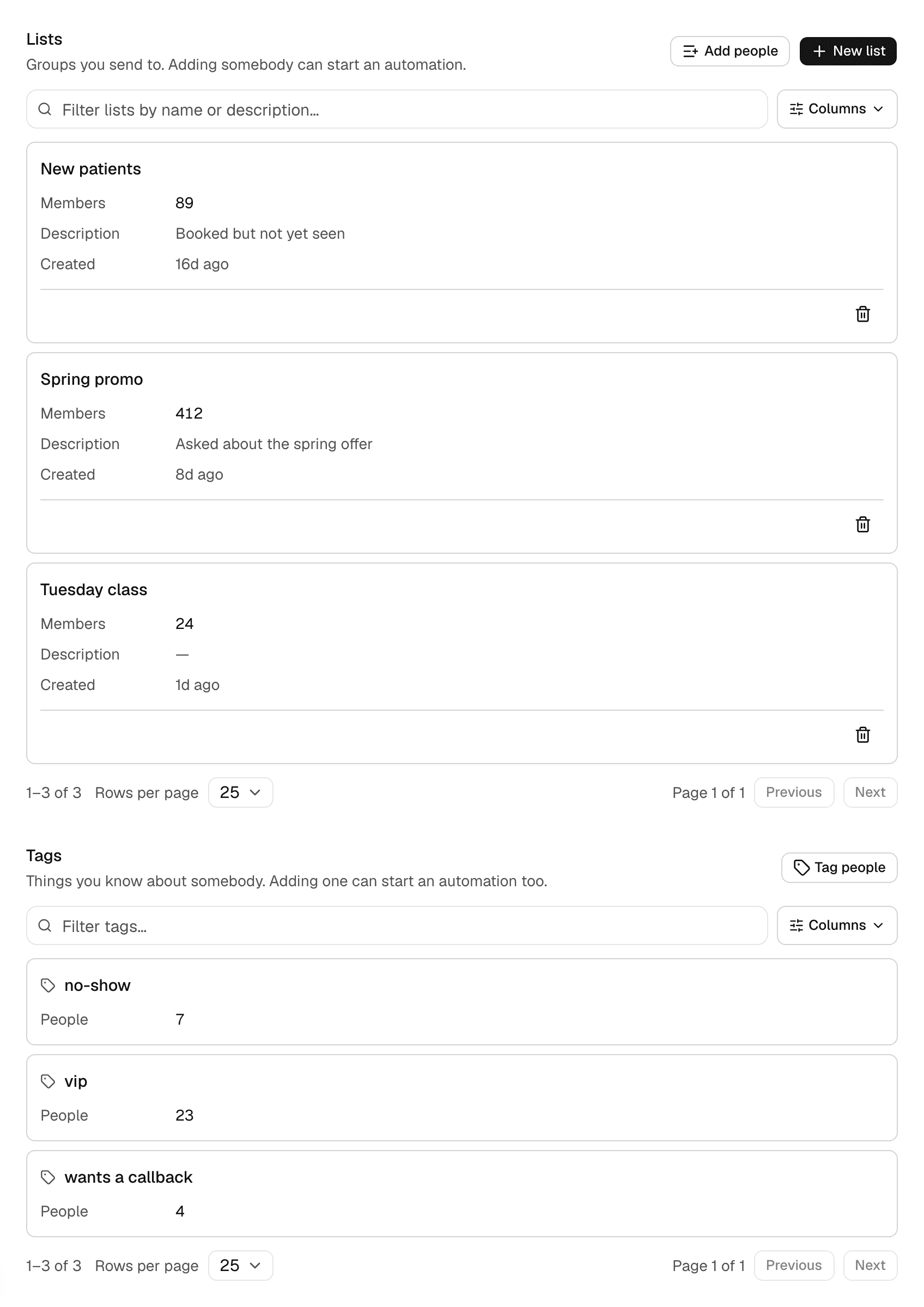
A list is a group you send to: spring promo, new patients, Tuesday's class. A tag is something true about a person: vip, no-show, wants a callback.
They are independent on purpose. Somebody tagged vip may or may not be on the spring promo list, and somebody on that list may carry no tags at all. Nothing about one implies the other.
Make a list and put people on it
- Open Message Tools in your project and choose Audiences.
- Choose New list, name it, and say what it is for. Only your team sees the description.
- Choose Add people, pick the list, and paste the numbers — one per line or separated by commas.
- The screen tells you how many were added, how many were already there, and how many automations that started.
Tag people
Tags are lowercased and trimmed, so VIP, vip and " vip " are one tag rather than three that look identical in a list.
- From Audiences, choose Tag people.
- Name the tag and paste who carries it.
- A tag is created the first time you use it.
From an import or your own software
Both are in the REST API, so a CRM, a booking system or a form can add somebody to a list or tag them the moment it happens. That is the ordinary way an onboarding sequence starts: the customer books, your system adds them to a list, and the flow takes it from there.
The response says how many were added and how many automations that started, so an integration can log the number rather than discovering it from the outbox.
Taking somebody off
Removing somebody from a list does not stop an automation they are already inside. That is deliberate: leaving an audience is not the same as asking not to be messaged, and the thing that means that is the do-not-message list.
If somebody asked to stop, put them on that list instead. It is checked on every send, by every route.