This is not a group chat
Each person receives an ordinary one-to-one message from your line. They cannot see anybody else on the list, and when they reply it opens a normal conversation in your shared inbox.
That is the point. An announcement is how you tell four hundred people something without telling them about each other.
Send one
- Open Message Tools in your project and choose Announcements.
- Choose New announcement and pick the number it goes from.
- Give it a title. Only your team sees this; it is how you find it again.
- Write the message. {{contact.name|"there"}} fills in a name where you have one and says "there" where you do not.
- Paste the recipients, one per line or separated by commas.
- Choose Continue. Read the screen before you send: it tells you how the list divides.
Understand the two speeds
People you already have a two-way conversation with go out now. People you have never messaged are first contacts, and they are paced: 50 per line per 24 hours, spaced about five minutes apart and at most eight an hour.
A list of 500 strangers therefore takes days, and the screen tells you how many before you send rather than after. The reason is not politeness. Apple watches for numbers that behave like broadcast channels, and a flagged Apple ID takes the line down for everybody using it.
Each person in their own daytime
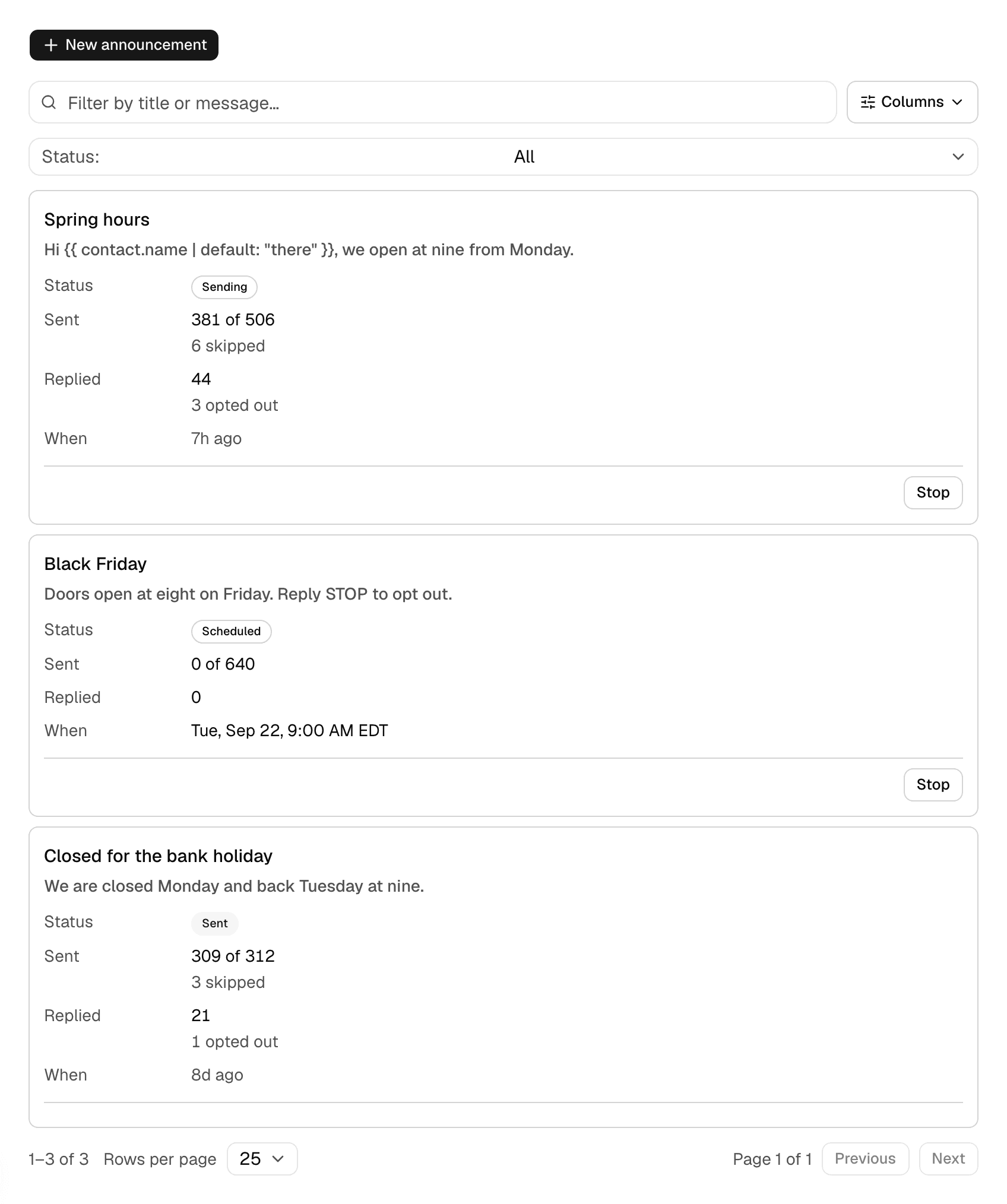
Quiet hours are on unless you untick them: each person is reached only between 8 AM and 9 PM in their own time, or tighter where their state requires it, worked out from their area code. People who are awake get it now and everybody else as their morning comes, so the announcement shows Sending until the last of them has had theirs.
Your first one is read by a person
A project's first announcement waits for somebody here to read it. We are looking for two things: a way for the recipient to opt out, and something that says who is messaging them. After the first is approved, that project's announcements go straight out.
If it is refused you get a written reason saying exactly what to change. Change it and send it again.
Watch what came back
Each announcement carries sent, skipped, replied and opted out. Replies are the number worth looking at; delivery only tells you the network worked.
Stopping an announcement means nobody else receives it. What has already arrived has arrived, and the stats keep saying so.